SuperclipsAI Studio Professional

⚠️ STOP! YOUR SUPERCLIPS AI ORDER ISN'T FINISHED YET!

Your Complete In-App Video
Production Studio

feature2

Professional Timeline Editor

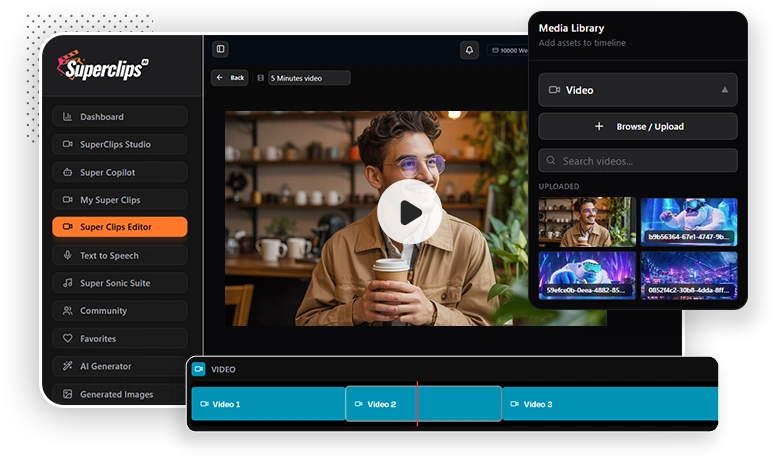
Drag and drop your short AI clips onto a multi-track timeline to create seamless, long-form videos up to 5 minutes long.

feature2

Full Audio Control

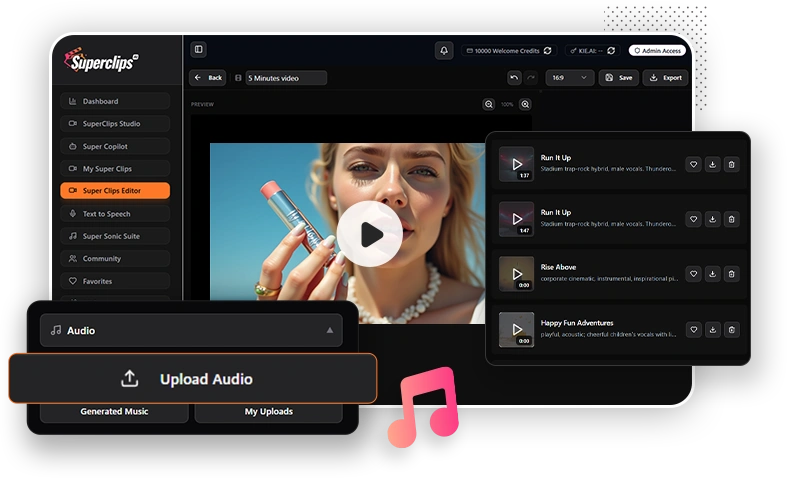
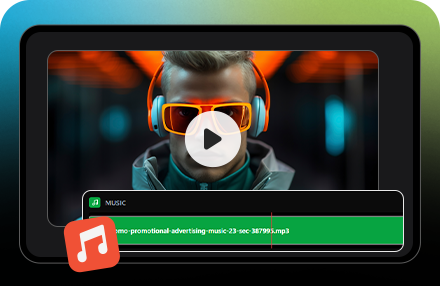
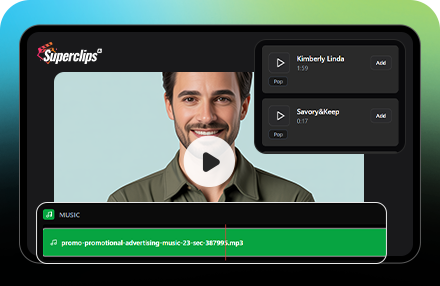
Import your own music, add sound effects, or record a voiceover on separate tracks with independent volume and fade controls.

feature2

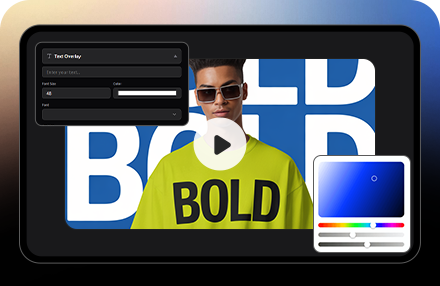
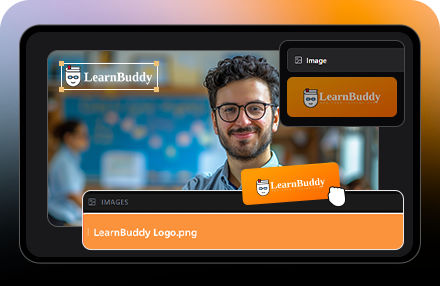
Text, Logo & Graphic Overlays

Add custom text, animated subtitles, your brand logo, or other images anywhere on your video with full control over fonts, colors, and timing.

feature2

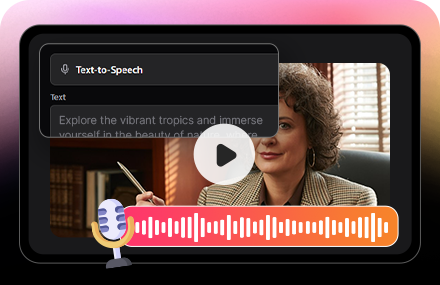
Text-to-Speech Panel

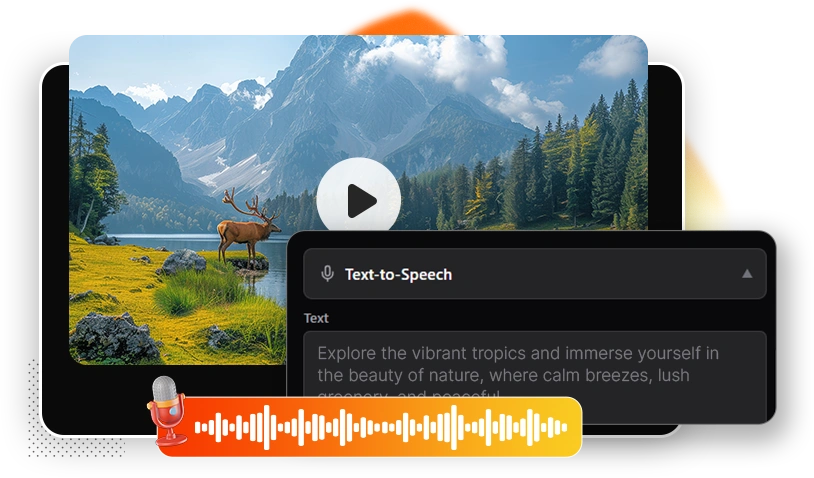
Type your script, convert it to voice, and use it in your video without recording anything.

feature2

One-Click Aspect Ratio Switcher

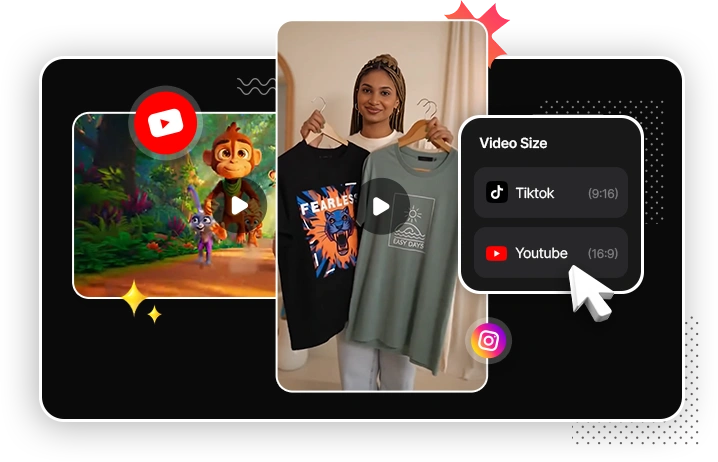
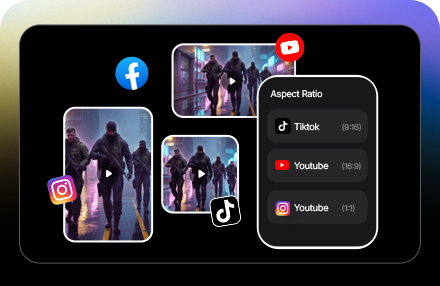
Instantly reformat your entire video for YouTube (16:9), TikTok/Reels (9:16), or Instagram (1:1) without having to re-edit a single thing.

feature2

Advanced Clip & Scene Control

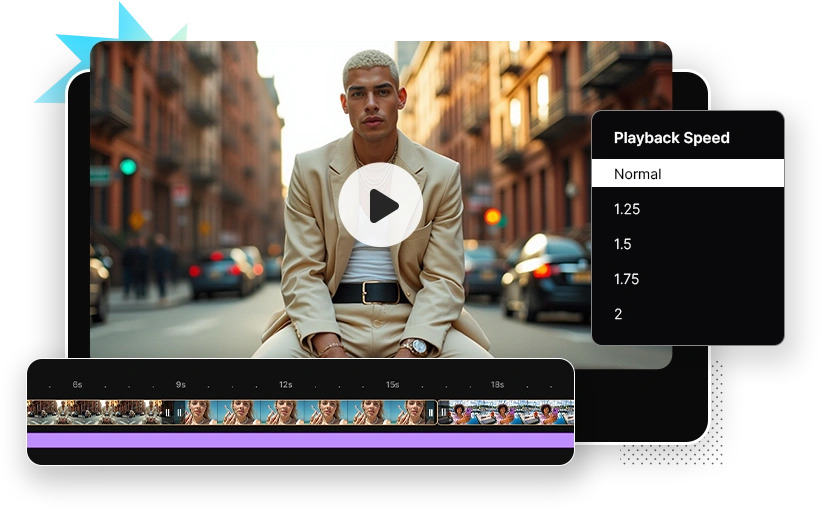
Precisely trim, split, or merge clips. Adjust playback speed for dramatic effect and add professional transitions like fades, slides, and zooms.

feature2

Full Project Management

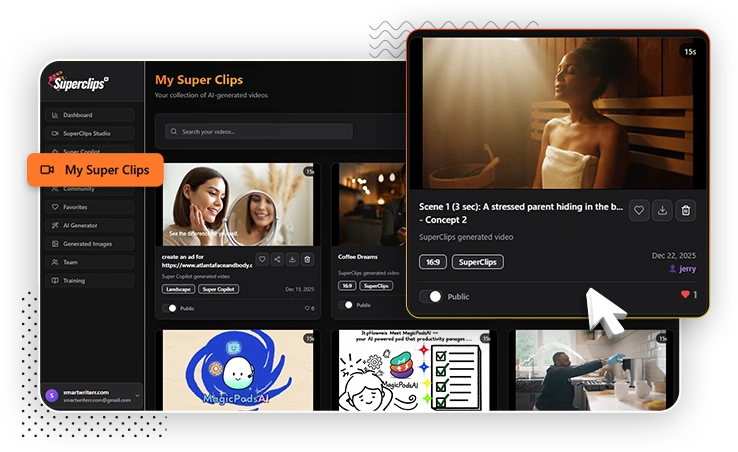
Create and organize unlimited projects, automatically save your progress, and even save your favorite video layouts as reusable templates.

feature2

HD Cloud Rendering

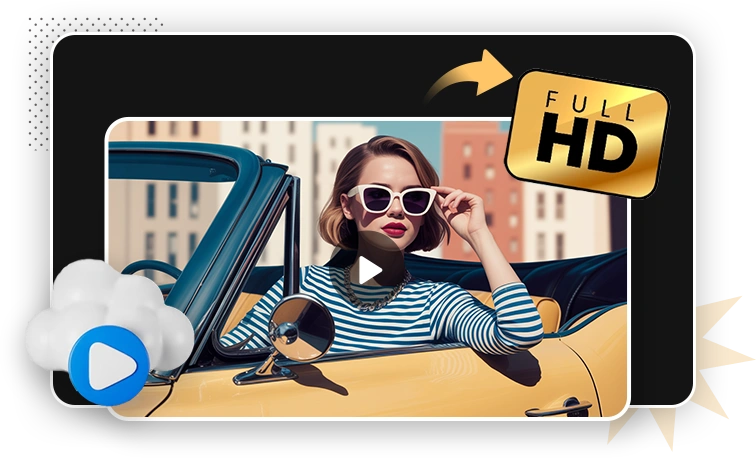
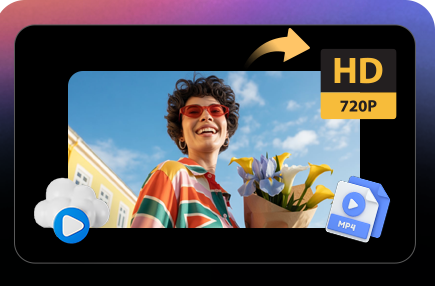
Render your final, polished videos in 720p HD directly in the cloud in just minutes without slowing down your computer.

feature2

Real-Time Playback Preview

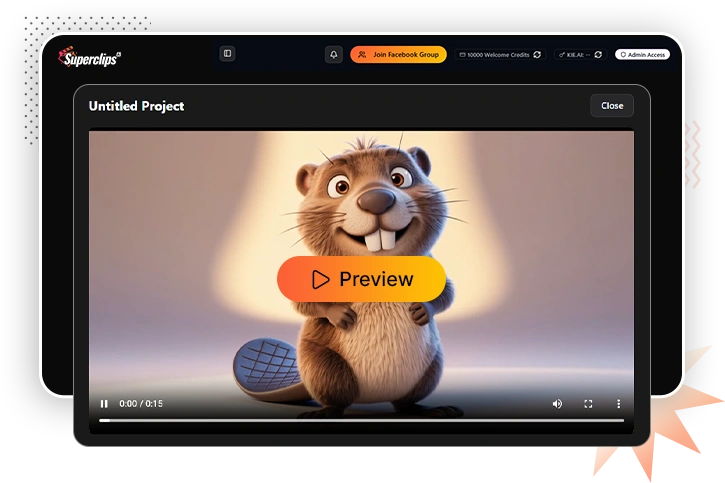
Watch your edits in real-time without rendering delays or lag.

THE NEW SECRET WEAPON FOR VIDEO STORYTELLERS

section2_img

Imagine having a complete professional video editing studio right inside your browser without juggling multiple applications, paying for separate subscriptions, or fighting a steep learning curve.

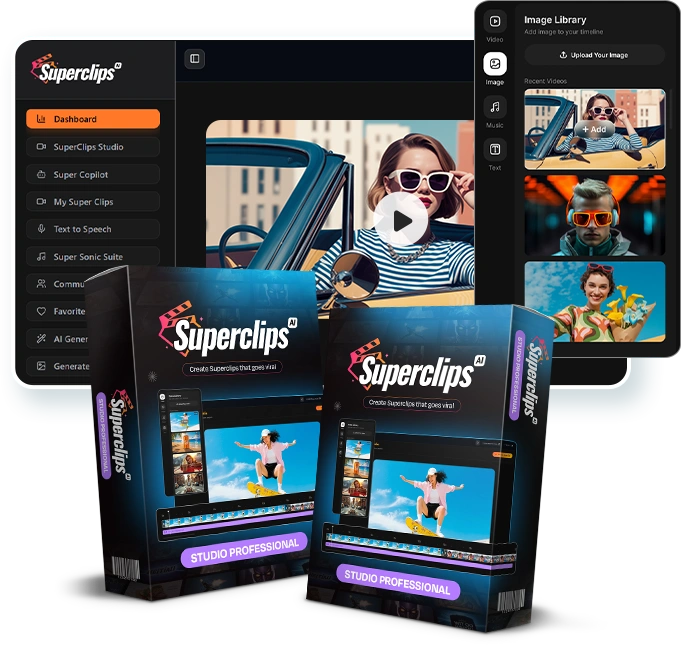
The Superclips AI Studio Professional Edition integrates a powerful, cloud-based timeline editor into your dashboard, built for creators who need to turn short AI clips into complete, polished videos at lightning speed.

From merging dozens of 5-second clips into a single, cohesive story... to adding the perfect background music, voiceover, and animated text overlays... to instantly resizing your final video for YouTube, TikTok, and Instagram with one click you'll have every production tool you need, all in one place.

While other creators waste hours exporting clips and struggling with clunky, complicated video software, you’ll glide from individual clips to a fully-produced video in just minutes with the freedom to create, customize, and publish professional-grade stories without limits.


meettext logo

SuperclipsAI Studio Professional Edition

meet

Professional Cloud Timeline Editor

WATCH DEMO

This is the heart of the Producer Edition. The Video Synthesizer is a powerful, multi-track timeline editor
that lives right inside your Superclips AI dashboard. It's designed to be incredibly intuitive, allowing you to
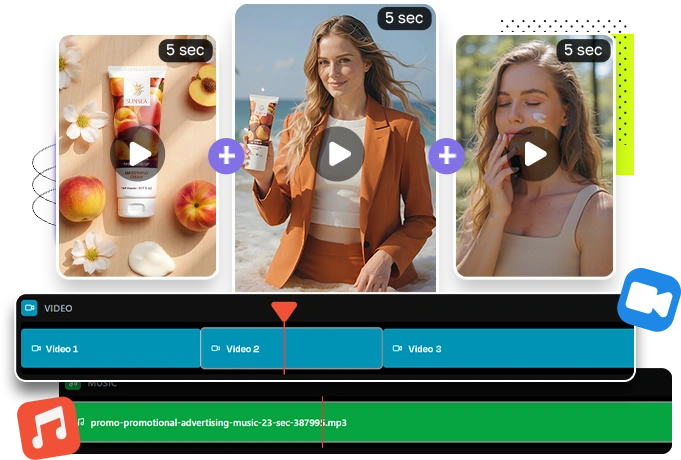
drag, drop, trim, and arrange your AI-generated clips into a single, cohesive story. Go from a folder of 5-second
ideas to a polished, 5-minute video without ever leaving the app.

feature2

Unlimited Clip Combination
& Sequencing

Your story shouldn't be limited by clip counts. With the Producer Edition, you can drag and drop an unlimited number of your AI-generated clips onto the timeline. Reorder scenes, test different sequences, and build out full-length video ads, detailed product showcases, or compelling narrative stories with complete freedom.

feature2

Multi-Track Editing System

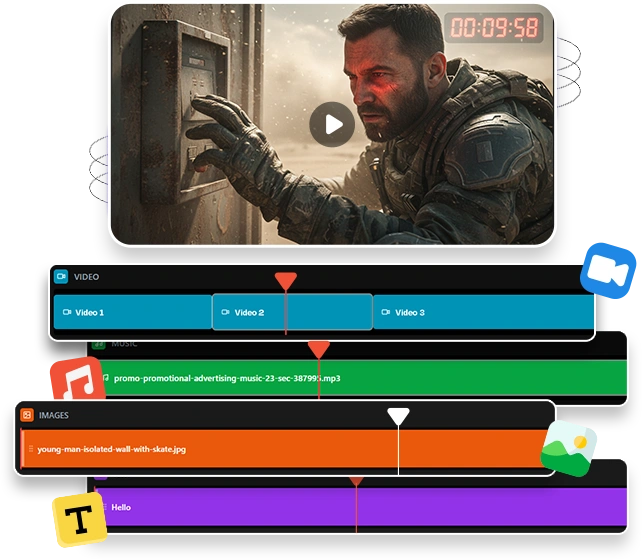
Gain granular control over every element of your video. Our multi-track system gives you separate, dedicated layers for your video clips, background music, voiceovers, and text/graphic overlays. This allows you to fine-tune the timing and volume of each sound layer independently and control exactly when visual elements appear on screen, just like in a professional desktop editor.

Full Audio & Voice Integration

A great video needs great sound. The Studio Professional Edition
gives you a complete audio toolkit.
icon

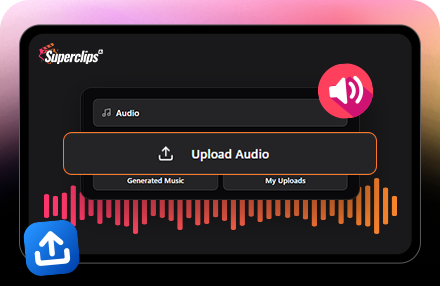
Import Custom Audio

Upload your own background music, branded jingles, or sound effects.

icon

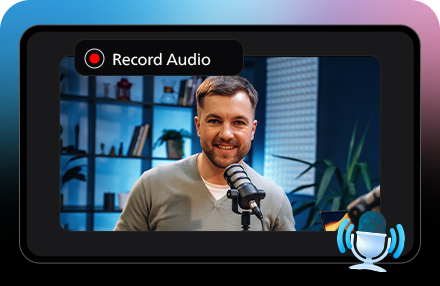
Add Voiceovers

Easily record or upload narration and dialogue, with separate controls for volume and smooth audio fades.

icon

Auto-Leveling

Our system automatically balances the audio levels across your entire timeline, ensuring a consistent, professional sound without any jarring volume changes.

Add Your Text & Visual Overlays

Add the crucial finishing touches that drive engagement and sales.
icon

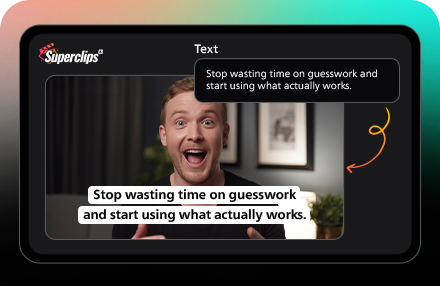
Text & Subtitles

Place headlines, calls-to-action, or subtitles directly on your video.

icon

Custom Branding

Use your own fonts and brand colors to ensure every video is a perfect match for your business.

icon

Logos & Graphics

Layer your brand logo, watermarks, or other images anywhere on the timeline with full drag-and-drop control over size and position.

Built-In Text-to-Speech Voiceovers

Turn any script into a clear, natural-sounding voiceover inside SuperClips AI Studio
Professional. You don’t need to record yourself, hire a voice artist, or open any extra
software.
Just type, click, and your video has a voice
icon

Text-to-Speech Panel

Type or paste your script, press generate, and get a ready-to-use voiceover. Drop it straight onto your timeline and sync it with your scenes in seconds.

icon

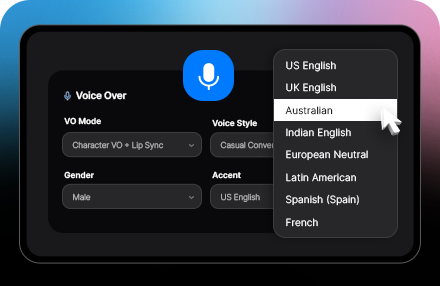
Accent + Voice Selection

Choose from multiple accents and voice styles so the voice matches your market and brand tone. Perfect for local businesses, global audiences, and niche brands.

icon

Quality Controls

Select higher-quality output for clean, professional sound that’s ready for ads, VSLs, YouTube videos, and client projects. No background noise, no messy audio setup needed.

Cinematic Formatting & One-Click Export

Stop wasting time re-editing for every social platform.
icon

One-Click Aspect Ratio Switcher

Instantly reformat your entire video project for YouTube (16:9), TikTok/Reels (9:16), or Instagram posts (1:1) with a single click.

icon

HD Cloud Rendering

Render your final, polished videos in 720p HD directly in our high-speed cloud servers. This means zero strain on your computer and finished videos in minutes, not hours.

icon

Watermark-Free Outputs

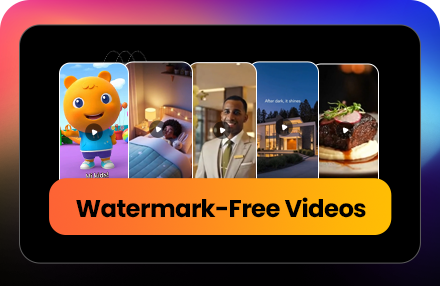
Every video you render is 100% clean, professional, and ready for client delivery or to be used in a paid ad campaign.

feature2

Advanced Project Management & Workflow

Stay organized and work efficiently. The Producer Edition includes a full project management dashboard
where you can create, save, and organize unlimited video projects. With automatic saving and a complete version history, you'll never lose your progress and can always revert to an older version of your project. You can even save your best video layouts as reusable templates for future work.

WHY ARE CREATORS UPGRADING TO
THE PRODUCER EDITION?

The Superclips AI Producer Edition isn’t just another feature
it’s a complete transformation in how you tell stories with your AI-generated clips.

section7_img
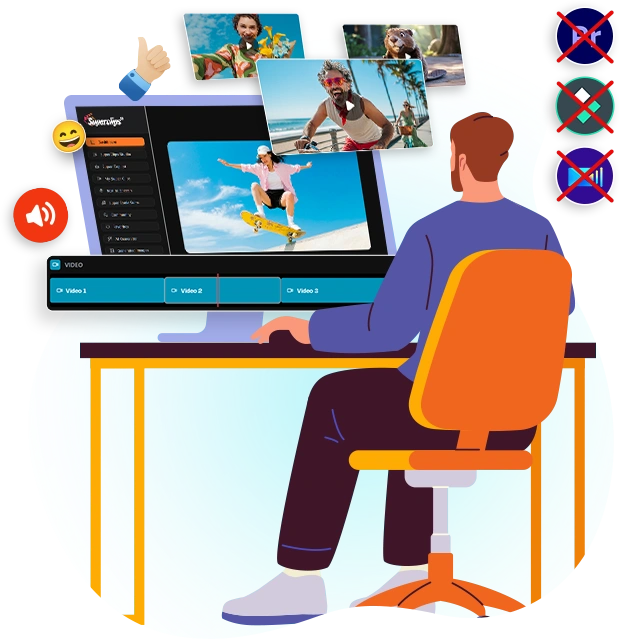
  • Save thousands on video software – Get a complete, cloud-based timeline editor without paying for expensive subscriptions to Adobe Premiere or Final Cut Pro.
  • Produce 10X faster – Assemble, edit, and render a full-length video in the time it would take just to import your clips into other software.
  • No technical skills required – If you can drag and drop, you can produce a professional-quality video. It’s that simple.
  • Complete creative control – Fine-tune every transition, sound effect, and text overlay until your story is perfect.
  • One seamless workflow – Go from generating individual AI clips to exporting a fully produced, long-form video, all within a single dashboard.
  • Consistent, high-quality results – Ensure every video you produce maintains a professional look and feel that aligns with your brand. Stop the scroll with unique visuals that no one else has.

Most importantly, you’ll get MORE RESULTS with LESS EFFORT.

Isn’t that why you invested in AI-powered video creation in the first place?

section8_img

The Studio Professional Edition Is Backed By A Full 30-Day Money-Back Guarantee!

Yes, you heard it right. Your investment today is 100% protected by our 30-day, iron-clad, money-back guarantee.

We are confident that once you experience the power and simplicity of having a complete video production studio inside your dashboard, you’ll wonder how you ever managed without it. Our reputation is built on delivering world-class AI tools and providing top-tier support to creators just like you.

Your success is our success.

If you experience any technical issue with the Producer Edition that our dedicated support team cannot resolve for you within your first 30 days, we will refund your investment in full.

This makes your decision to upgrade today completely risk-free.

Get Instant Access To The
Superclips AI Studio Professional Edition Now

logo

Studio Professional Edition

cover
  • Professional Cloud Timeline Editor: Combine unlimited AI clips into long-form videos.
  • Multi-Track Editing System: Separate tracks for video, audio, voiceover, and text.
  • Text-to-Speech Panel: Type your script, convert it to voice, and use it in your video without recording anything.
  • Full Audio & Voice Integration: Upload custom music and add voiceovers with fade controls.
  • Dynamic Text & Visual Overlays: Add animated text, logos, and graphics anywhere on your video.
  • One-Click Aspect Ratio Switcher: Instantly format your video for YouTube, TikTok, and Instagram.
  • Advanced Clip & Scene Control: Trim, split, merge, and add transitions between clips.
  • HD Cloud Rendering: Render polished 720p HD videos in minutes, not hours.
  • Full Project Management: Save projects, use templates, and never lose your work with auto-save.

Get It Today For Just
$197/Month

One-Time Payment

SuperclipsAI Studio Professional
payment
warning

The Price Jumps With Each Passing Minute!

After this special Early Bird offer, the cost for the Superclips AI Producer Edition will increase. We're not trying to create false urgency—it’s simply a matter of pricing this incredibly powerful, all-in-one video studio at its true value.

Once the timer on this page hits zero, this upgrade will move to its planned $97/month subscription. Even at that rate, the ability to create and deliver fully produced, long-form videos in minutes makes it a steal for any serious creator or marketer. But why pay monthly later when you can get limited-time-deal for a single, low payment today?

This is your last chance to add a complete, cloud-based video production studio to your account for a one-time fee. Don't get locked out and regret it later.

Your Last Chance to Get the Producer Edition at This Discount

payment